An office whereguests never get lost.
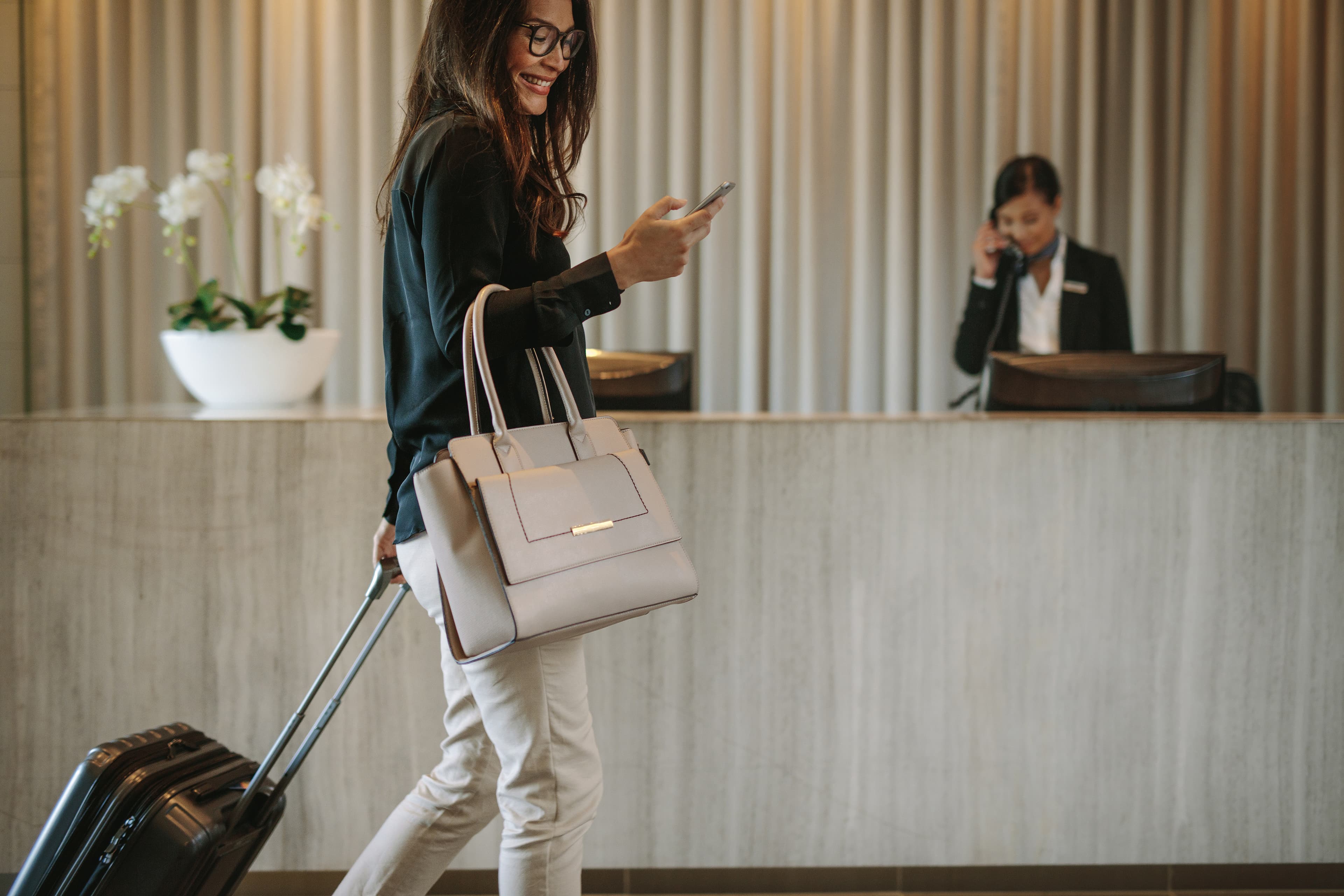
Guest Wi-Fi, a floor plan, room booking and a line to reception. Guests scan a QR code at reception or get a link before the meeting and know where to go.
What the finished page looks like
One page, scrolled from top to bottom. The content is an example; on your page you add your own.
First screen
Name, photo, quick actions and one main button.
What customers come for
A floor plan with reception and rooms, then the office gallery.
Contact & directions
Hours, a map, reviews and a contact to save.
What your office’s page can do
The office page shows visitors the way and keeps tenants’ requests in order, so reception can focus on what needs a person.
Directions, floors and Wi-Fi from one sign
Visitors open the page in the lobby or from the link in their invite, and the tenant list shows who’s on which floor.
Visitors find the right floor on their own
Room booking on the office page
Visitors and tenants fill in a form, and the room or desk request goes straight to reception.
Reception has every request in one place
Faults and cleaning reported on the spot
A request form takes fault reports and cleaning requests, with a description and a location in the building.
Management knows what needs doing, and where
Tenants tell you what to improve
A short survey on the page collects tenants’ comments on the building and its services.
You can act before anyone decides to move out
What you build it from
- Guest Wi-Fi
- Floor plan
- Room booking
- Reception contact
- Gallery
- Office enquiry
- Opening hours
- Map & directions
Where guests open it
At reception
A QR code on the counter.
In the meeting room
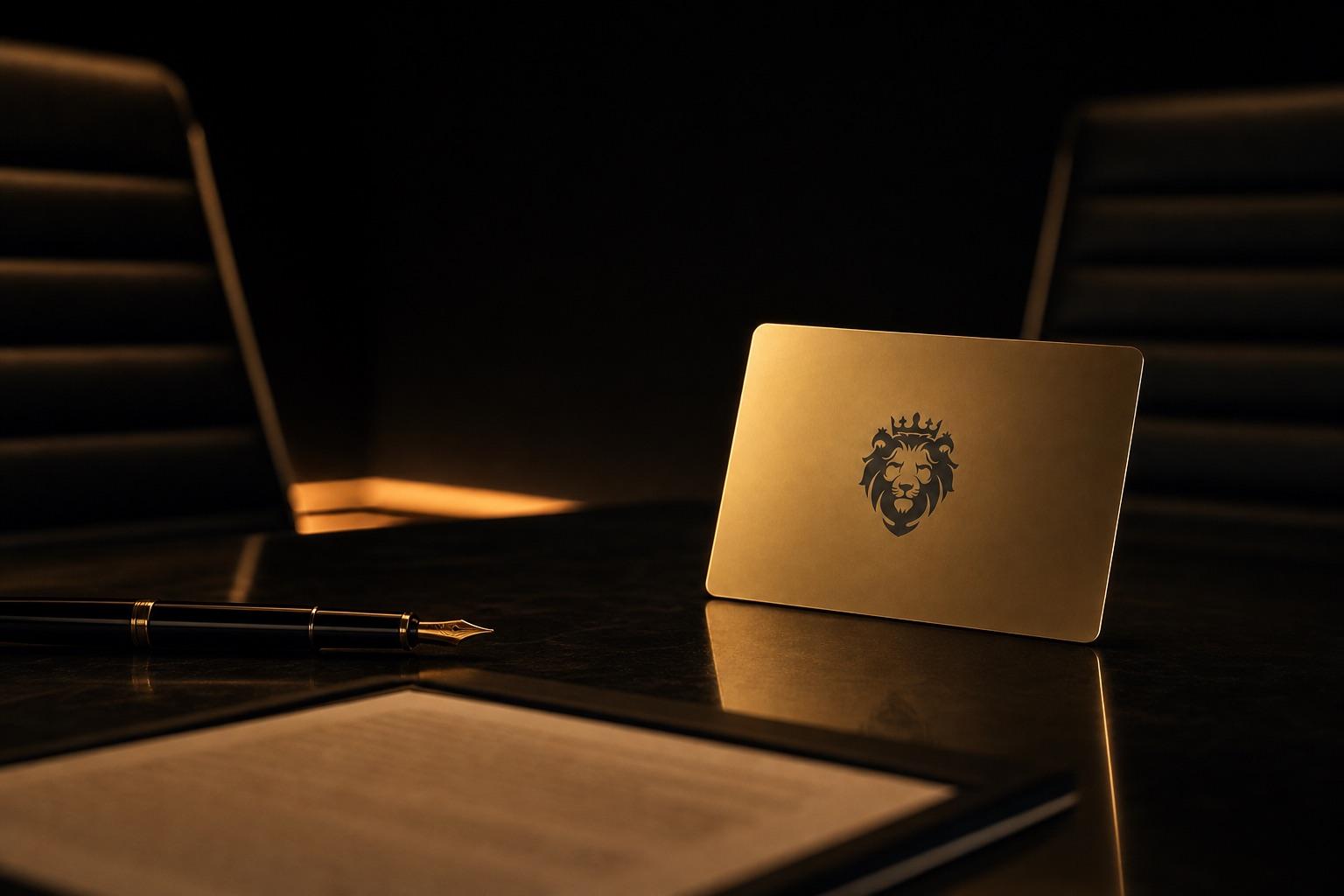
An NFC card on the table with Wi-Fi and the plan.
Before the meeting
A link in the calendar invite.
Not just a card. Each carrier can open a different page, and phones without NFC open it with a QR code.
- Employee card
- Key fob
- Room sign
- Desk sticker

Have questions?
No. The page opens in the phone’s browser, they just tap the NFC card or scan the QR code.
Not as standard. The card and QR codes open the office page with Wi-Fi, the floor plan and rooms. Attendance, zones and guest cards are a custom rollout.
A room request from the form goes to reception: to the dashboard and by email. If you book rooms in Calendly or Cal.com, you can embed that calendar on the page.
If a page and cards are all you need, you pay once per card, as in the price list, the page is included, with no subscription. Team cards and custom rollouts are quoted individually: the price depends on the number of cards and carriers, the number of locations and the scope of work. You get a quote after a free consultation.
Yes. You build the page in the dashboard from ready-made blocks, with no code, and the setup wizard starts you off with the blocks typical for your industry. If you prefer, we’ll go through it together on a free consultation. The NFC card and QR code point to a permanent address, so you can change the content later without reprinting.
Let’s talk about a page
for your office
In 30 minutes we’ll show examples from your industry and suggest where to start.