All your guests needon one page.
Online check-in, menu, hotel services and an AI assistant. Guests open the page with a QR code in the room, an NFC card or a link from their booking, with no app to install.
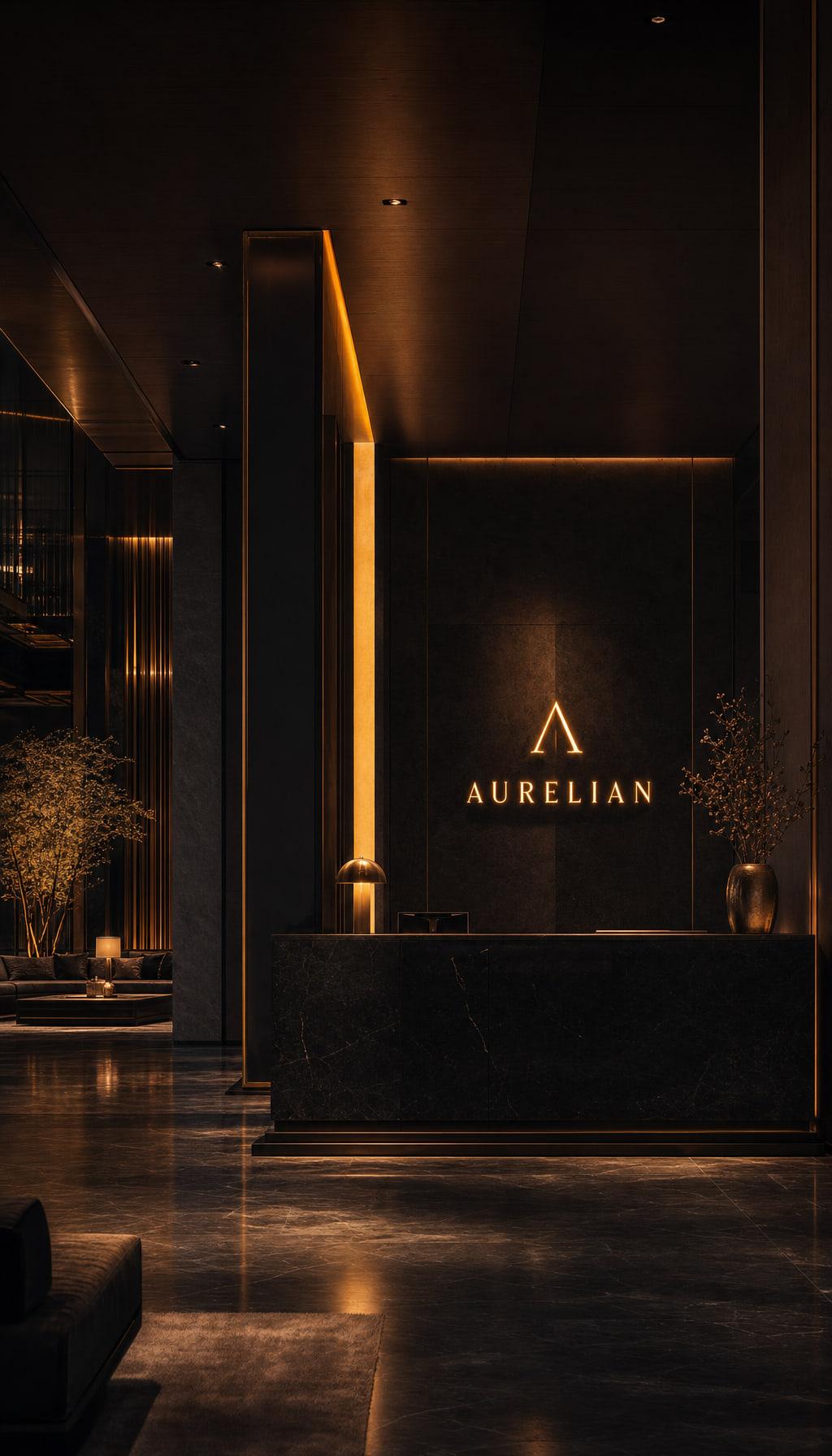
What the finished page looks like
One page, scrolled from top to bottom. The content is an example; on your page you add your own.
First screen
Name, photo, quick actions and one main button.
What customers come for
Check-in and check-out times, an answer from the AI assistant and the hotel gallery.
Contact & directions
Hours, a map, reviews and a contact to save.
What your hotel’s page can do
One page takes guests from check-in to review, so your front desk can focus on what matters.
Online check-in before guests arrive
Guests enter their stay details from the link in the booking confirmation, and the request is waiting in your dashboard.
All that’s left at the desk is the key
Answers for guests at any hour
The card in the room opens the guide, and the AI assistant answers from your page: Wi-Fi, breakfast, spa hours.
Your desk has time for the guests in front of it
Hotel services within reach
Room-service menu, facilities and free spa slots in one place, with descriptions and photos.
Orders and bookings stay in the hotel
A Google review in one tap
At check-out the card opens a review request while the stay is still fresh in the guest’s mind.
More reviews where your next guests look
What you build it from
- Online check-in
- AI assistant
- Menu & room service
- Services & areas
- Gallery
- Local tips
- Map & directions
- Reviews
- Reception contact
Where guests open it
In the room
A QR code on the desk or by the TV.
At reception
An NFC card handed over at check-in.
Before arrival
A link in the booking confirmation email.
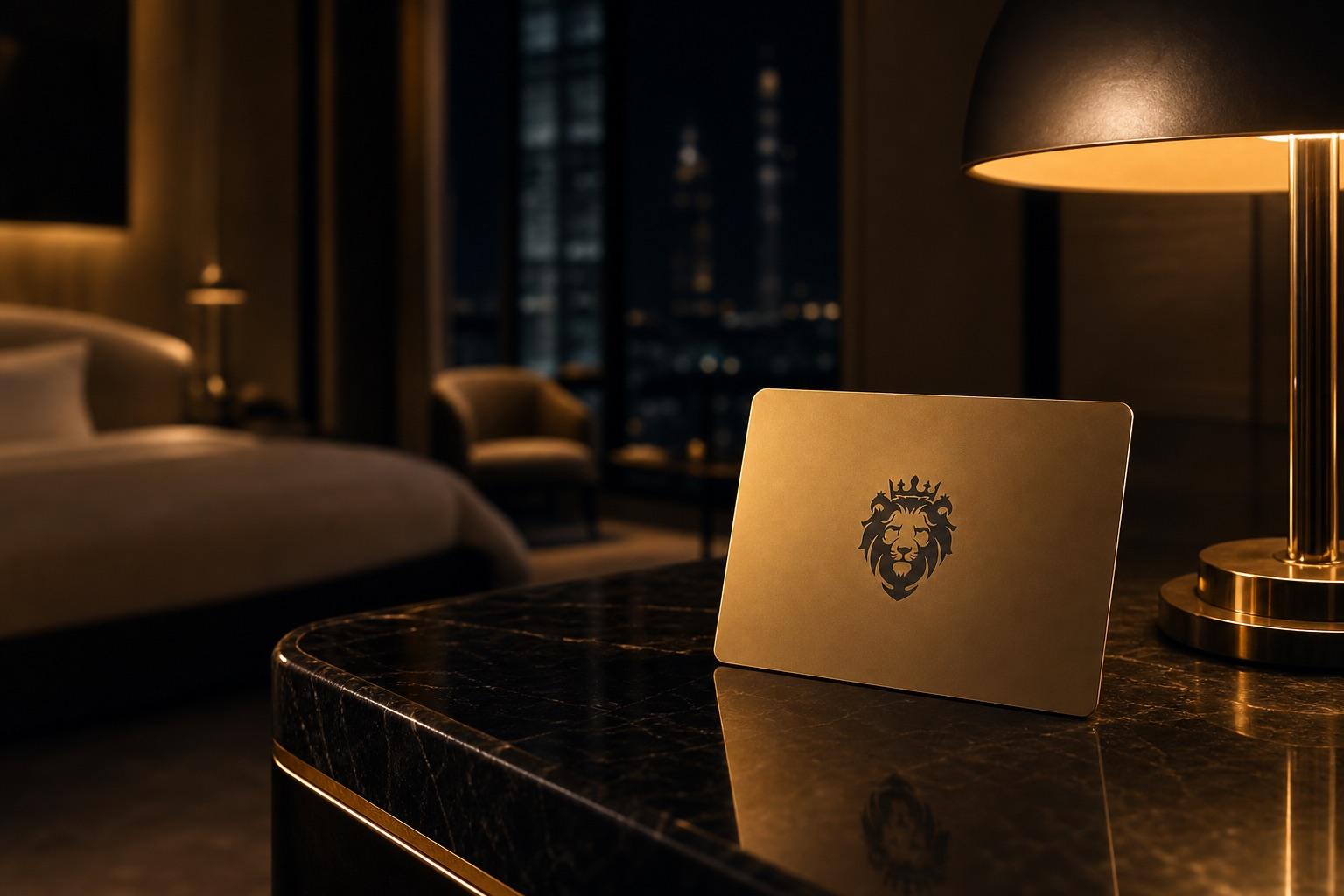
Not just a card. Each carrier can open a different page, and phones without NFC open it with a QR code.
- Guest card
- Key fob
- Pool and spa wristband
- In-room sign
- Reception stand
How a rollout works
You can launch the page yourself in the dashboard straight away, or with our help. Custom integrations and hardware are planned together, with a schedule in the quote.
Conversation
A free online consultation: what the page should do, where customers will open it and what your team needs.
Plan and quote
What’s standard and what’s custom, with a schedule and a price.
Page and pilot
You build the page in the dashboard yourself or with us. Custom rollouts start in one location, with success thresholds agreed up front.
Launch and support
We train your team, and you change the content yourselves in the dashboard, cards and QR codes keep pointing to the same address.
Ask the hotel assistant
This is a working chat. On your page it answers from your content.
AI assistant
Hello. I’m this hotel’s AI assistant. Happy to help with your stay.

Have questions?
No. The page opens in the phone’s browser, they just tap the NFC card or scan the QR code.
Not automatically. Check-in is a form on the page: requests go to your dashboard and by email, and you can export the list to CSV. Integration with your booking system is a custom rollout.
It shouldn’t. It answers from your page and is instructed not to make up prices or facts it doesn’t know. The fuller your page, hours, services, amenities, the more questions it handles on its own.
If a page and cards are all you need, you pay once per card, as in the price list, the page is included, with no subscription. Team cards and custom rollouts are quoted individually: the price depends on the number of cards and carriers, the number of locations and the scope of work. You get a quote after a free consultation.
Yes. You build the page in the dashboard from ready-made blocks, with no code, and the setup wizard starts you off with the blocks typical for your industry. If you prefer, we’ll go through it together on a free consultation. The NFC card and QR code point to a permanent address, so you can change the content later without reprinting.
Let’s talk about a page
for your hotel
In 30 minutes we’ll show examples from your industry and suggest where to start.