A microsite for everydevelopment and listing.
A gallery, video, location and an enquiry form. Clients open it with a QR code on a banner, an advisor’s card or a link from a listing.
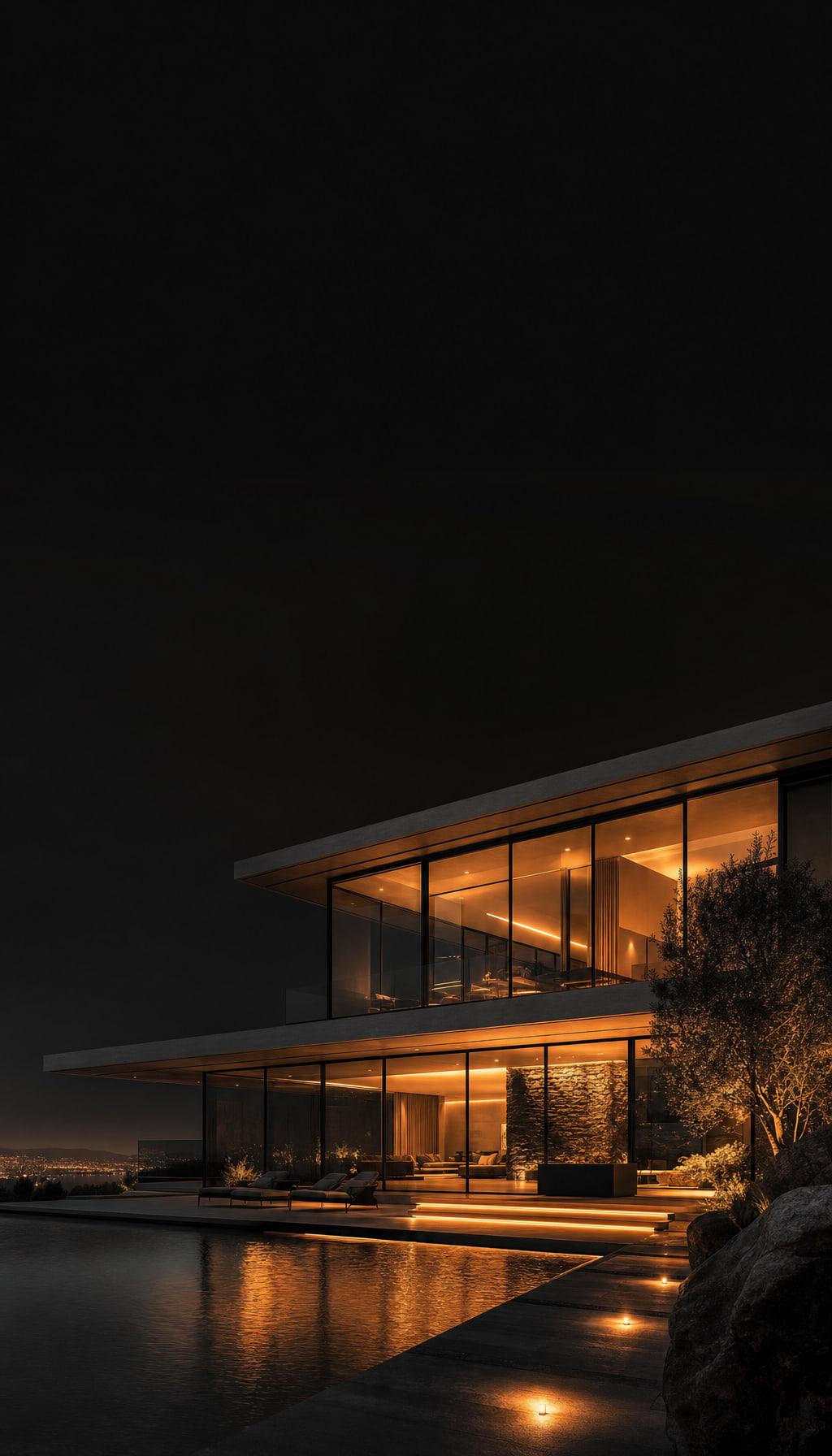
What the finished page looks like
One page, scrolled from top to bottom. The content is an example; on your page you add your own.
First screen
Name, photo, quick actions and one main button.
What customers come for
Available flats with sizes and prices, then the development gallery.
Contact & directions
Hours, a map, reviews and a contact to save.
What your development’s page can do
One page takes clients from the site banner to the keys, collecting enquiries and taking load off your advisers.
The whole offer, straight from the street
The banner’s QR code opens available apartments with sizes and prices, visualisations, a virtual tour and an enquiry form.
Every enquiry lands in your dashboard
The neighbourhood at a glance
The map on the development page shows schools, shops, green spaces and transport nearby, before anyone asks.
Advisers can focus on the apartment itself
Buyers can follow the build
You post construction updates with photos, and buyers see them at the same link as the offer.
Fewer calls and more trust before handover
Clients choose when to come in
Free slots for adviser meetings, viewings and handovers are in the calendar on the development page.
Bookings go straight into the adviser’s calendar
What you build it from
- Gallery
- Video & tour
- Enquiry form
- Viewing bookings
- Price list
- Location
- Team
- AI assistant
- Analytics
Where clients open it
On a site banner
A QR code visible from the street.
With an advisor
An NFC card handed over at a meeting.
In a listing
A link on portals and in email.
Not just a card. Each carrier can open a different page, and phones without NFC open it with a QR code.
- Site sign
- In-apartment sign
- Key fob
- Client card


Have questions?
No. The page opens in the phone’s browser, they just tap the NFC card or scan the QR code.
Yes. Your company dashboard holds several pages, a development, a building or a single flat, and each banner and sign points to its own address.
You update them in the dashboard, and the QR code on the banner keeps pointing to the same address, clients see the current offer with nothing reprinted.
If a page and cards are all you need, you pay once per card, as in the price list, the page is included, with no subscription. Team cards and custom rollouts are quoted individually: the price depends on the number of cards and carriers, the number of locations and the scope of work. You get a quote after a free consultation.
Yes. You build the page in the dashboard from ready-made blocks, with no code, and the setup wizard starts you off with the blocks typical for your industry. If you prefer, we’ll go through it together on a free consultation. The NFC card and QR code point to a permanent address, so you can change the content later without reprinting.
Let’s talk about a page
for your development
In 30 minutes we’ll show examples from your industry and suggest where to start.