A booth that workseven after the fair.
Your offer, a product catalogue, a short video and a contact form. Visitors tap an NFC card at the booth or scan the QR code on your banner and leave with your offer on their phone.
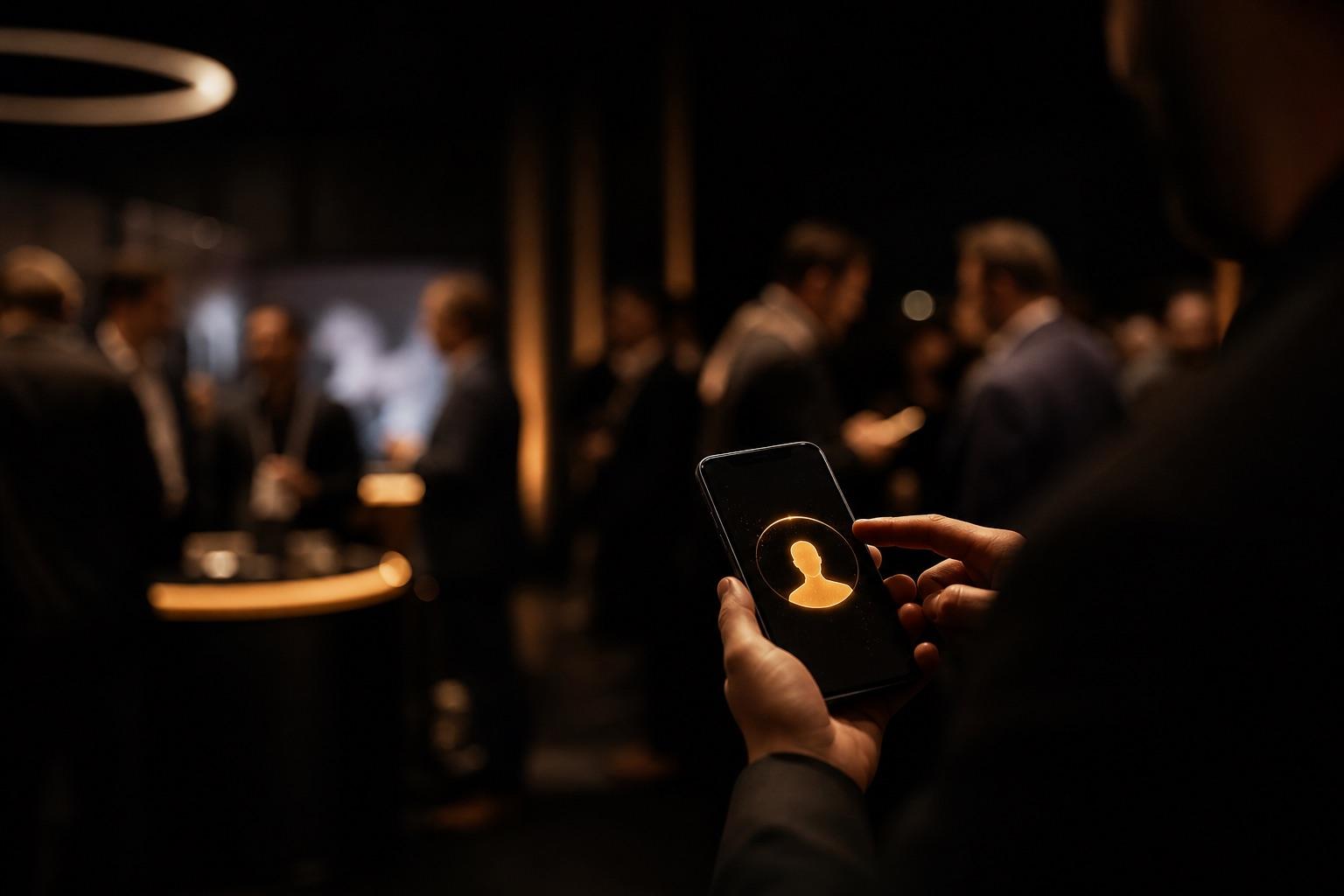
What the finished page looks like
One page, scrolled from top to bottom. The content is an example; on your page you add your own.
First screen
Name, photo, quick actions and one main button.
What customers come for
What’s new at the fair with the catalogue and video, a contact form and the booth gallery.
Contact & directions
Hours, a map, reviews and a contact to save.
What your booth’s page can do
Your booth page turns conversations into contacts, and contacts into meetings, during the fair and after it.
Lead capture, even at a packed booth
The counter card or the QR code on your banner opens your offer, a PDF catalogue and a contact form with GDPR consent.
Leads are saved before visitors leave the hall
A business card that lands in their contacts
Every rep has their own NFC card and page in your company colours, and visitors save the contact in one tap.
Clients know who to come back to
Meetings booked on the spot
Visitors choose a time in your rep’s calendar for a talk at the booth or after the fair.
You come back from the fair with meetings booked
Leads ready for your post-fair follow-up
Contacts from every day of the fair wait in your dashboard with GDPR consent, ready to export as a CSV.
You follow up while the conversation is fresh
What you build it from
- Offer & catalogue
- Company video
- Contact form
- Follow-up meeting
- Booth team
- Save contact
- Newsletter
- FAQ
- Reviews
Where visitors open it
On the booth counter
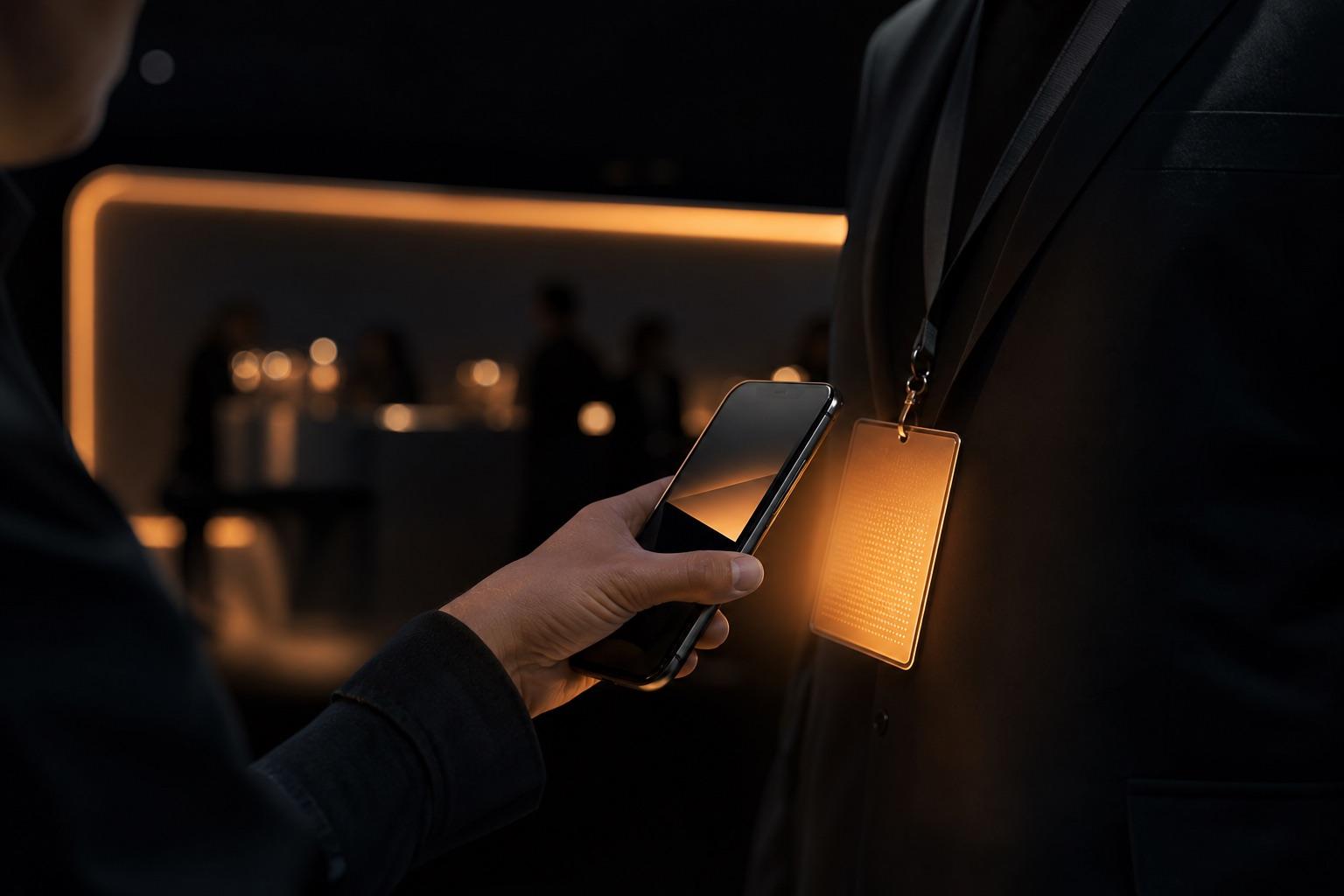
An NFC card visitors tap with their phone.
On the banner
A large QR code visible from the aisle.
After the fair
A link in your thank-you email.
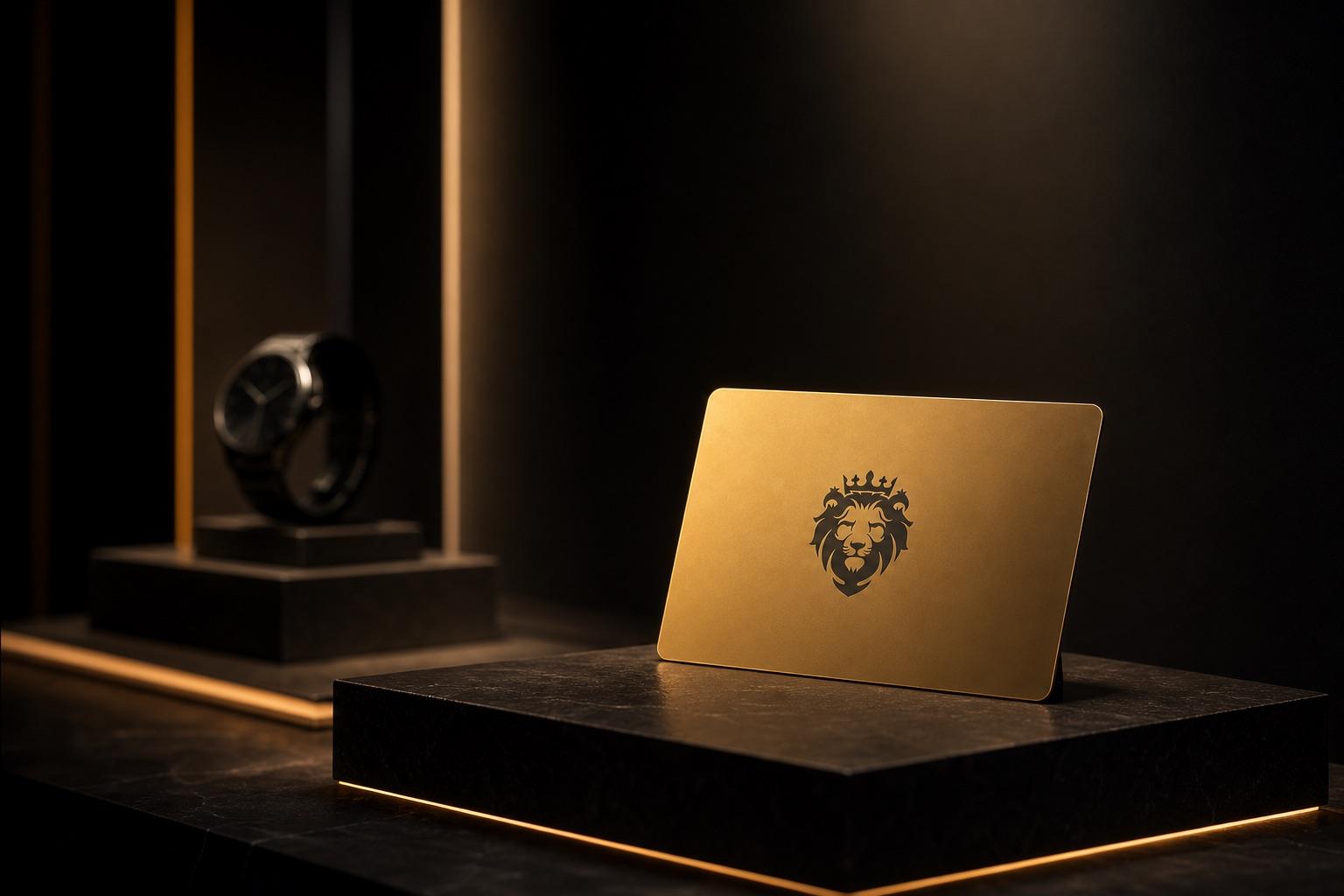
Not just a card. Each carrier can open a different page, and phones without NFC open it with a QR code.
- Counter stand
- Exhibit sticker
- Salesperson card
- Roll-up with QR code

Have questions?
No. The page opens in the phone’s browser, they just tap the NFC card or scan the QR code.
Yes. You change the hall, booth number and catalogue in the dashboard, and the counter cards and the banner’s QR code keep pointing to the same address.
No. The offer, catalogue and video are open straight away, and only visitors who want you to get in touch fill in the contact form.
If a page and cards are all you need, you pay once per card, as in the price list, the page is included, with no subscription. Team cards and custom rollouts are quoted individually: the price depends on the number of cards and carriers, the number of locations and the scope of work. You get a quote after a free consultation.
Yes. You build the page in the dashboard from ready-made blocks, with no code, and the setup wizard starts you off with the blocks typical for your industry. If you prefer, we’ll go through it together on a free consultation. The NFC card and QR code point to a permanent address, so you can change the content later without reprinting.
Let’s talk about a page
for your booth
In 30 minutes we’ll show examples from your industry and suggest where to start.