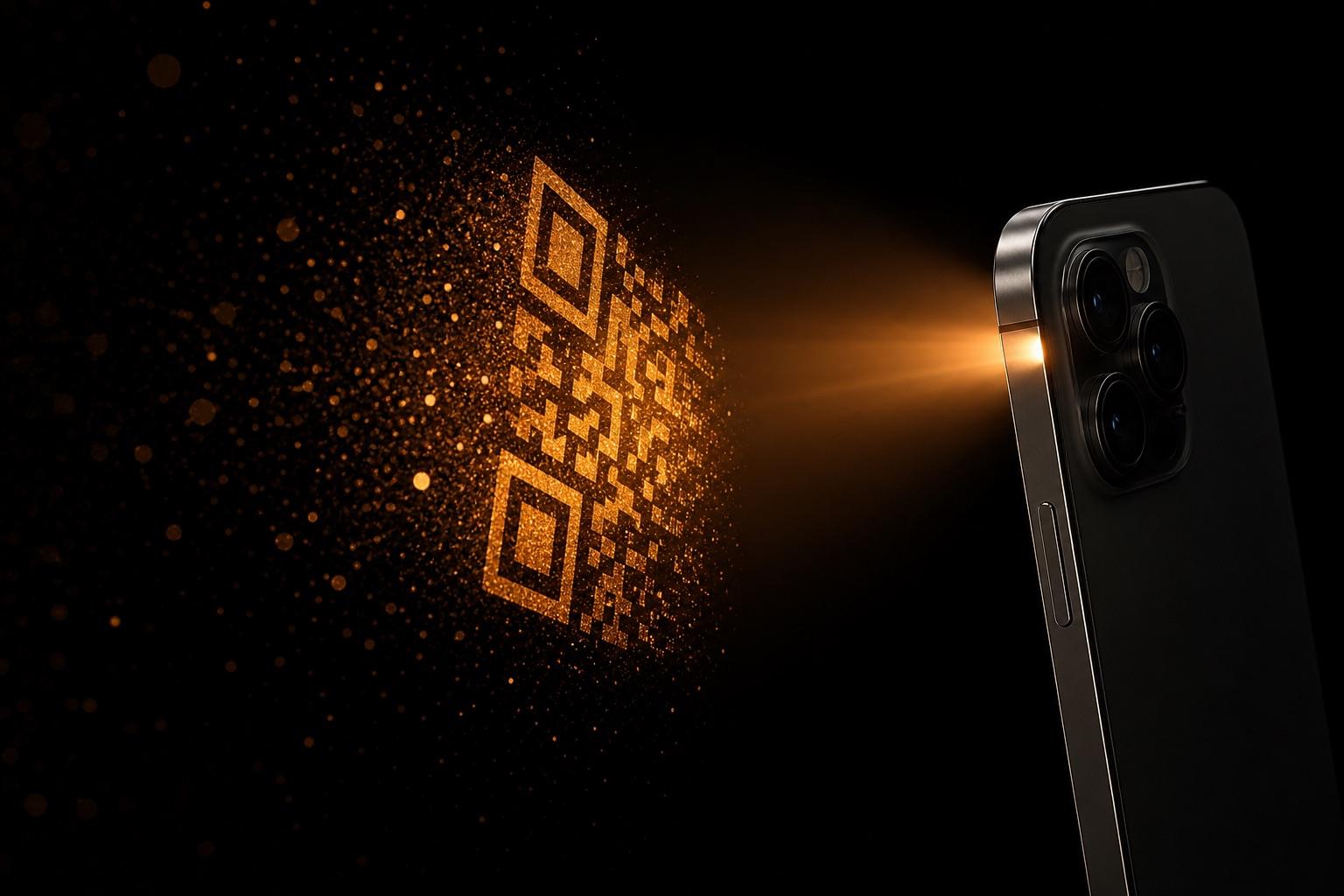
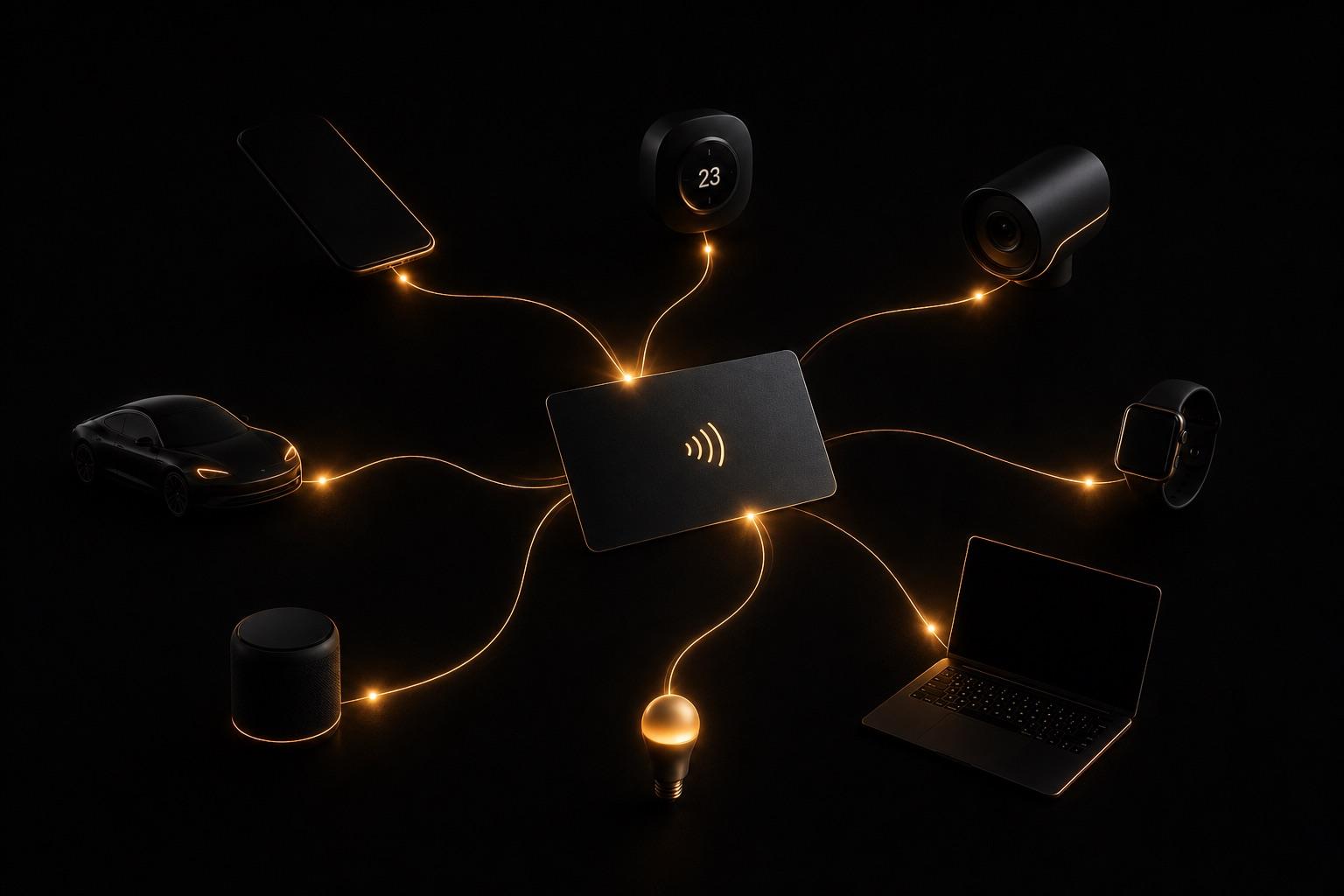
You have one page, but people reach it in very different moments. One person is standing opposite you at a meeting, another walks past your shop window after closing time, and a third reads your message at home in the evening. Each of them needs a different route to the same place: an NFC card, a QR code or a link.
One page, three routes
The NFC card, the QR code and the link all lead to the same permanent address. You change the content once in your panel and all three show the current version immediately. There is no separate page “for the card” and another “for the code”.
So the real question isn't which one to choose, but which one to use where. Each has its strengths and its limits.
NFC card: when you are face to face
The card works wherever you talk to someone in person: at a meeting, while networking, at the counter, after a presentation or on a client visit.
Why it works:
- no aiming and no typing, the other person holds their phone to the card and the page opens,
- the gesture is part of the conversation rather than a pause while you hunt for a business card,
- the card is an object: its material and finish say something about your brand before anyone sees the page.
It also comes in handy in short conversations, such as the queue for coffee at a conference. Nobody has to type anything, so you can pass on your details before someone interrupts.
Bear in mind: the card works at close range and needs a phone with NFC. An iPhone XR or newer reads it without an app, and Android phones do when NFC is switched on. For a phone without NFC, keep a QR code ready on your own screen. Our step-by-step piece explains exactly what happens after the tap.
QR code: when the customer is nearby, but you are not
A QR code does its work when you aren't standing next to the customer. It belongs on flyers, in catalogues, on posters, on café tables, in shop windows, on the back wall of a trade fair stand, at reception and on the last slide of a presentation.
Why it works:
- any phone with a camera can open it, including phones without NFC,
- it can be scanned from further away than a card, as long as it is big enough,
- it works without you, at any hour.
Bear in mind: a code needs light, contrast and the right size. A short caption saying what will open helps: “Menu and opening hours” tells people far more than “Scan me”. In your panel you can download the code as a PNG for graphics or an SVG for print at any size. If someone isn't sure how to scan it, our QR code guide will help.
Link: when the conversation happens on a screen
A link is the simplest route wherever contact is digital anyway: in your email signature, in your Instagram or LinkedIn bio, in a WhatsApp message, in a proposal sent after a meeting or in the chat during a webinar.
Why it works:
- one click, with no camera and no card needed,
- it is easy to pass on, the person you spoke to can forward it to a partner or to whoever makes the decision,
- it doesn't go out of date: an old email with your link still opens the current page.
Bear in mind: a link in a message works best with one sentence of context, such as “Here is my page with prices and my calendar”. A bare address with no explanation is easy to ignore.
You don't have to pick one route. It is enough that each of them leads to the same, up-to-date page.
Why it is best to have all three
The same person often meets you through several routes. First they see the QR code on your stand, then you talk and they tap your card, and after the fair they get your link by email. Each time they land on the same page, so they recognise it quickly and never wonder which version is current.
There is a benefit on your side too: one change in the panel covers everything at once. No old flyer with an out-of-date number lingers somewhere, and no forgotten link points to last season's offer. You don't have to remember what was printed where, or what was sent to whom.
A quick cheat sheet
- Face-to-face conversation → NFC card, with a QR code on your phone as backup.
- Print, tables, shop windows, stands → QR code with a caption saying what opens.
- Email, social media, messaging apps → link with one sentence of context.
What to avoid
- A QR code with no caption. People scan more readily when they know what they will get.
- A link with no context. One sentence of explanation is what makes someone click it at all.
- A card with no plan B. Without a QR code on your phone, meeting someone whose phone has no NFC ends with them copying down your number.
- Different addresses in different materials. If your flyer points somewhere other than your email signature, customers find two versions of your offer. The permanent link solves this, as long as it is the one you use everywhere.
Where to start
- List the places where customers come across your business: in person, in print and on screen.
- Match each place with one route from the cheat sheet above.
- Download the QR code from your panel and add it to materials you print anyway.
- Paste the link into your email signature and your profile bios.
- Test all three routes on your own phone and on a colleague's.
You get the link and QR code as soon as your page exists, and you can choose an NFC card later. Create your page and start with the route you need most often.