At a trade fair, the conversation is the easy part. The hard part is making sure a contact survives it, in a form you can actually do something with afterwards. You can design your booth so visitors move from a first glance to leaving their details in a few simple steps, even when the counter gets crowded.
Start with the visitor's path, not the artwork
Before you order the banner, map out what happens to a visitor, step by step. At each stage, ask yourself two questions: what should they do now, and what would make it easier?
- From the aisle: they see what you do and a QR code they can scan without coming over.
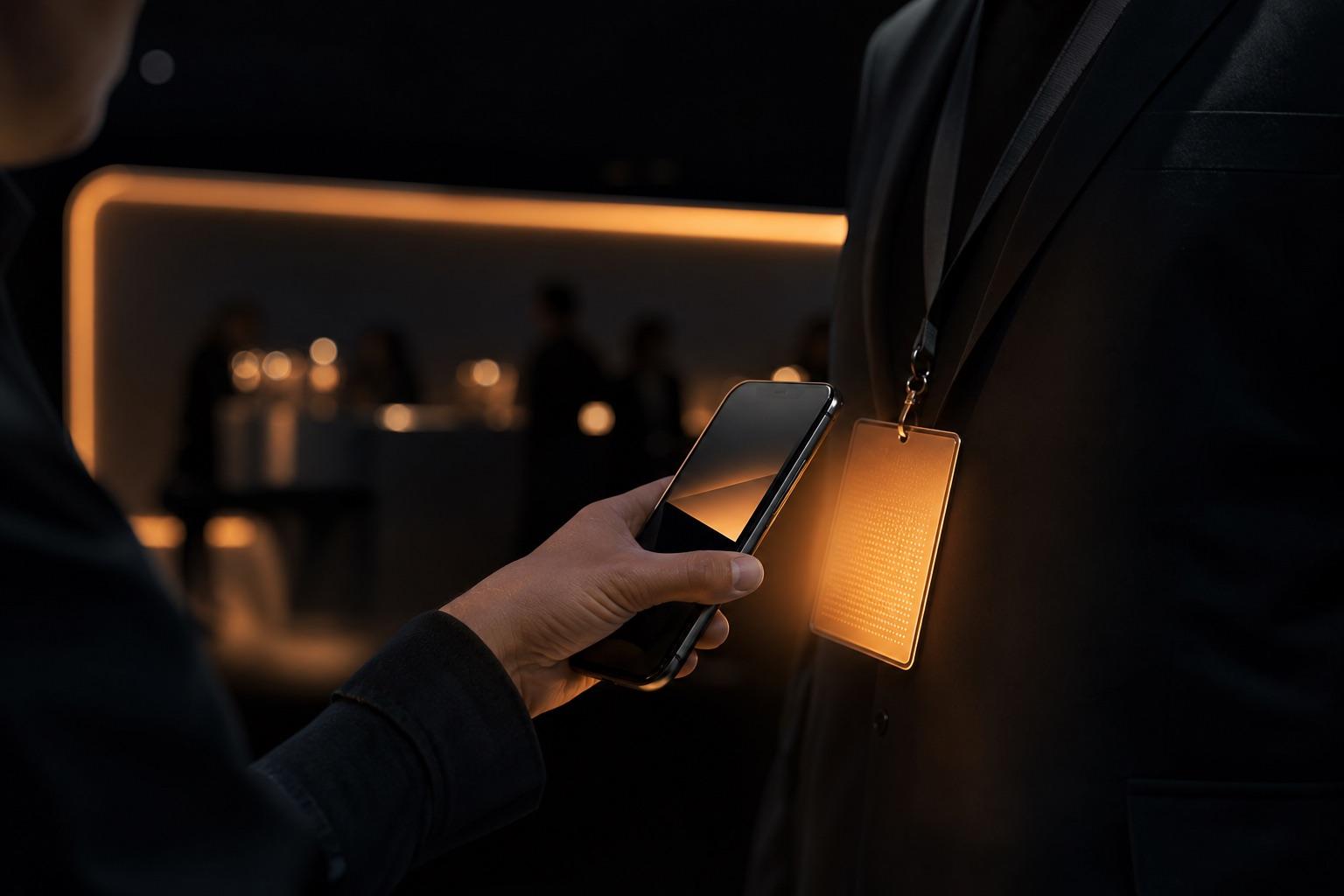
- At the counter: they talk to someone from your team and hold their phone to an NFC card to open your page.
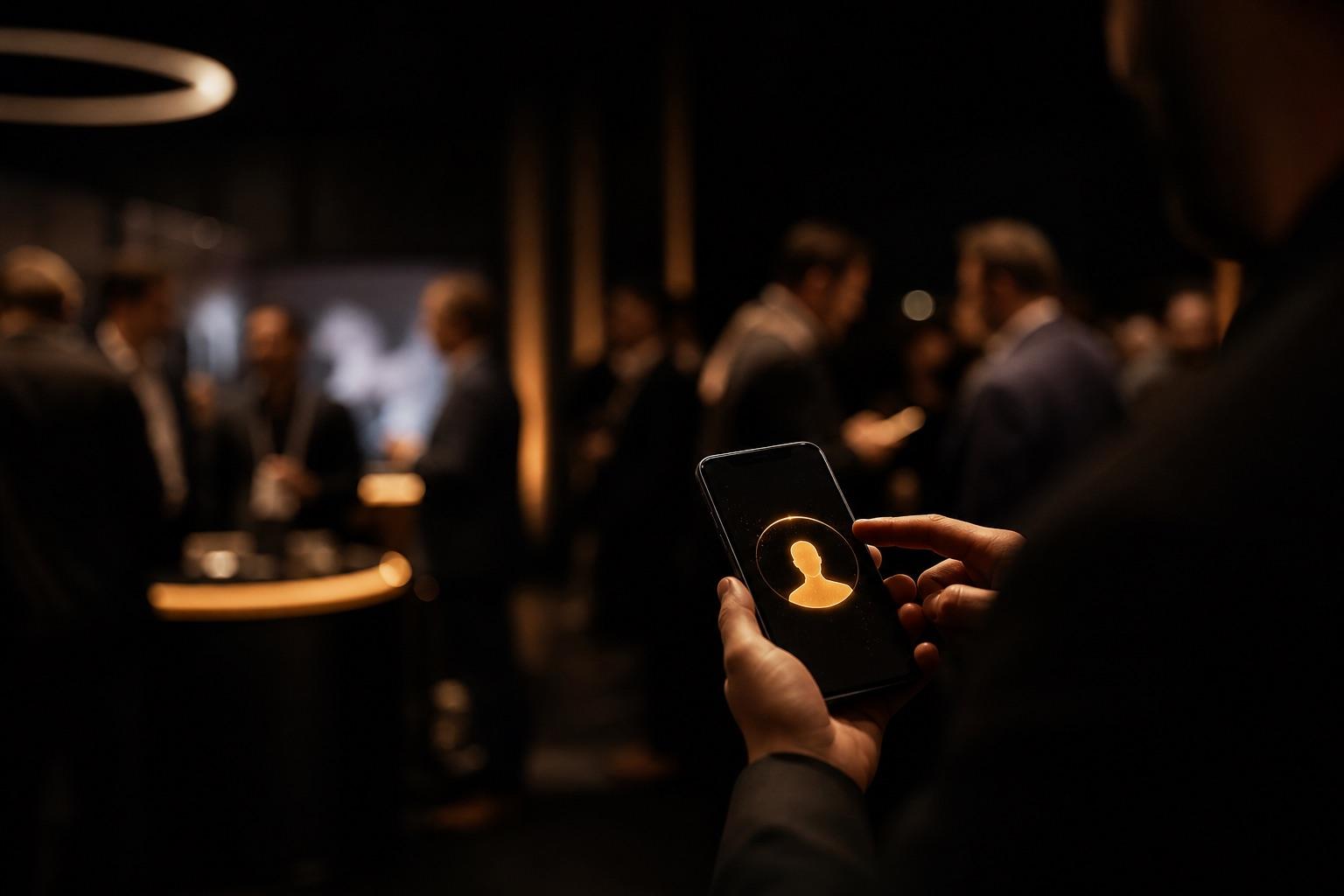
- After the conversation: they leave their details in a form or save your contact on their phone.
- After the fair: they get a message with a link to the same page.
Every one of these steps leads to the same place. The card, the QR code and the link all open one page, so you're not juggling several versions of your materials and nobody lands on an out-of-date catalogue. We cover the last step in detail in Trade fair follow-up: what to do in the first 48 hours.
A QR code you can see from the aisle
The QR code is the way in for people who aren't ready to talk yet. Someone walks past, sees your headline and the code, scans it and browses your offer on the way to the next hall. That isn't a lost contact, it's someone who has your page on their phone and can come back to it.
A few rules that help:
- Make the code large and mount it high, so it's visible over the heads of people at the counter.
- Dark code on a light background, with clear space all around it.
- A short caption saying what will open: “Catalogue and company video” tells people far more than “Scan me”.
- Test before printing: scan the code from the distance visitors will be standing.
We look at when each way of opening a page works best in NFC, QR code or link.
NFC cards for the team
Everyone on the booth can have their own NFC card leading to their own page: photo, job title, phone, email and a “Save contact” button. The visitor holds their phone to the card and gets the details of a specific person, not just a generic company inbox.
One card can also sit on the counter and lead to the booth page, for visitors who want to look at your offer before someone from the team is free. iPhone XR and newer models read the card without an app, and a phone without NFC opens the same page from the QR code.
For orders of 50 cards or more, cards can be matched to your brand: logo, colours and artwork. On a stand where everything works towards recognition, it's a detail people notice.
The booth page: what it should include
A trade fair page should answer one question quickly: “what do you do, and what should I do next?” This line-up works well:
- A headline with your offer, one sentence about what you're showing at the fair.
- Product catalogue: items with a description and a link to your shop or product page.
- A short video, a company or product presentation from YouTube or Vimeo.
- Contact form: only with the fields you genuinely need in order to reply.
- “Save contact”: your company details in their contacts with one tap, as a vCard file.
- FAQ: delivery, minimum order, samples.
- Calendar: Calendly, for instance, so people can book a call after the fair.
- Newsletter: for anyone who wants to hear about new products.
For the duration of the fair, add an announcement bar with your hall and stand number. A visitor who scanned your code from a flyer or the exhibitor catalogue will find you more easily. Enquiries from the form land in the enquiry inbox in your panel, so you won't be retyping them from scraps of paper when you get back.
What to do about the queue
A queue at your booth is a good sign, but it's also the moment contacts slip away. Someone waits for a while, loses patience and moves on. Rather than losing that person, give them something to do:
- Put a sign with a QR code at the edge of the booth, captioned “Browse our offer before we come over”.
- Leave an NFC card on the counter that visitors can tap with their phone without waiting for a salesperson.
- Offer the form with a note saying “we'll call you back after the fair”, the conversation won't happen today, but the contact stays.
If you have an AI assistant on your page, it will answer simple questions based on the page content, delivery, samples or minimum order, before anyone from the team is free. When a question needs a person, it points the visitor to the form or the phone.
A queue isn't a logistics problem. It's a list of people who are already interested, just make sure they don't leave empty-handed.
Checklist before the fair
- The visitor's path mapped in four stages: aisle, counter, after the conversation, after the fair.
- A large QR code with a caption, tested from a distance.
- An NFC card for everyone on the booth, plus one on the counter.
- A booth page with a catalogue, video, form, FAQ and “Save contact”.
- An announcement bar with your hall and stand number.
- A plan for the queue: a QR sign, a card on the counter, a “we'll call you back” form.
- A post-fair message template with a link to the same page.
You'll find an example booth page, and the places where visitors open it, on our page for exhibitors. For businesses we prepare an individual quote, just choose “Book a consultation”.